
Setup & Features
How to translate text on Upsell Sales Boost campaigns?
You can translate the text from the Upsell Sales Boost campaigns into any desired language right in the App. This can help you offer a localized experience to your customers from all over the world!
On this page:
- How to Install our Translate & Currency App
- How to Translate the text from the Ultimate Sales Boost Widgets
How to Install our Translate & Currency App
You will need to have the app “Hextom: Translate & Currency” installed in order to proceed. If you haven’t installed Hextom: Translate & Currency yet, follow these steps:
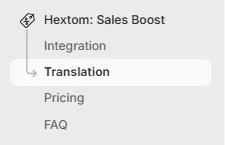
- Go to your app dashboard and click the **Translation **tab from the side navigation.
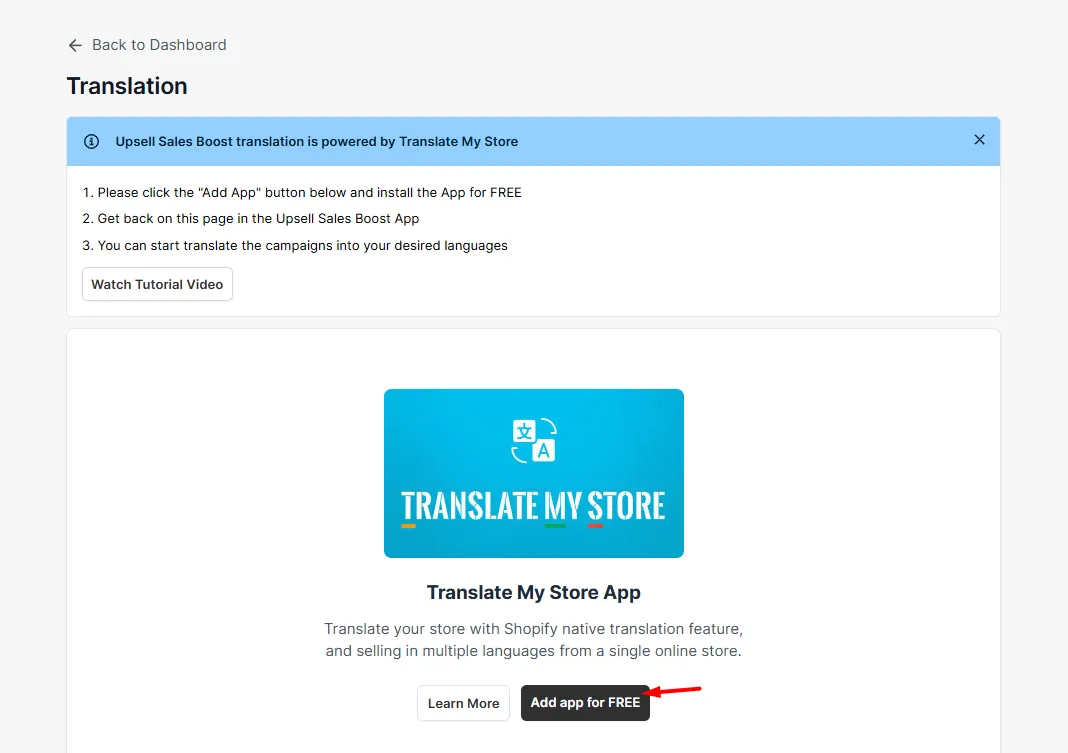
- You’ll see a page like this, notifying you that the app is required to proceed with translation. Click Add App for FREE, which will redirect you to the Shopify App Store, where you can install Hextom: Translate & Currency.
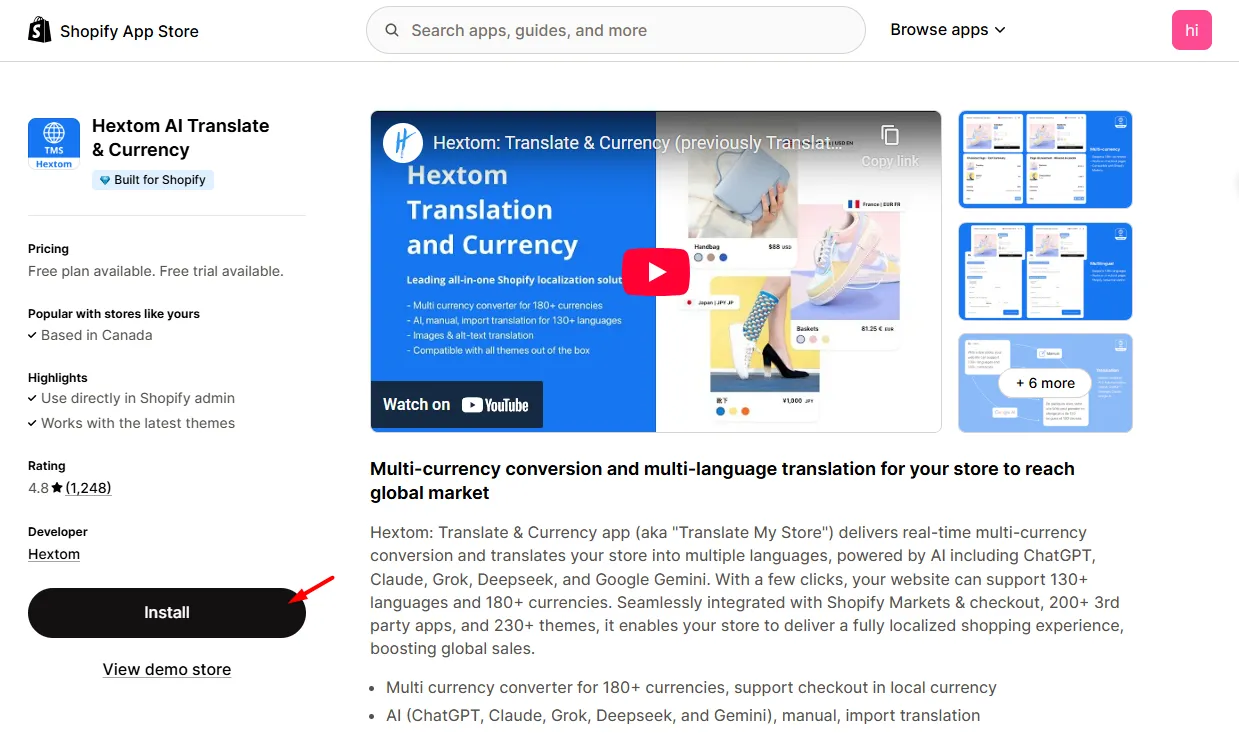
- Click **Install **to add the app to your store.
Now that **Translate & Currency **app is installed, we can proceed with the translation.
How to Translate the Text from the Ultimate Sales Boost Widgets
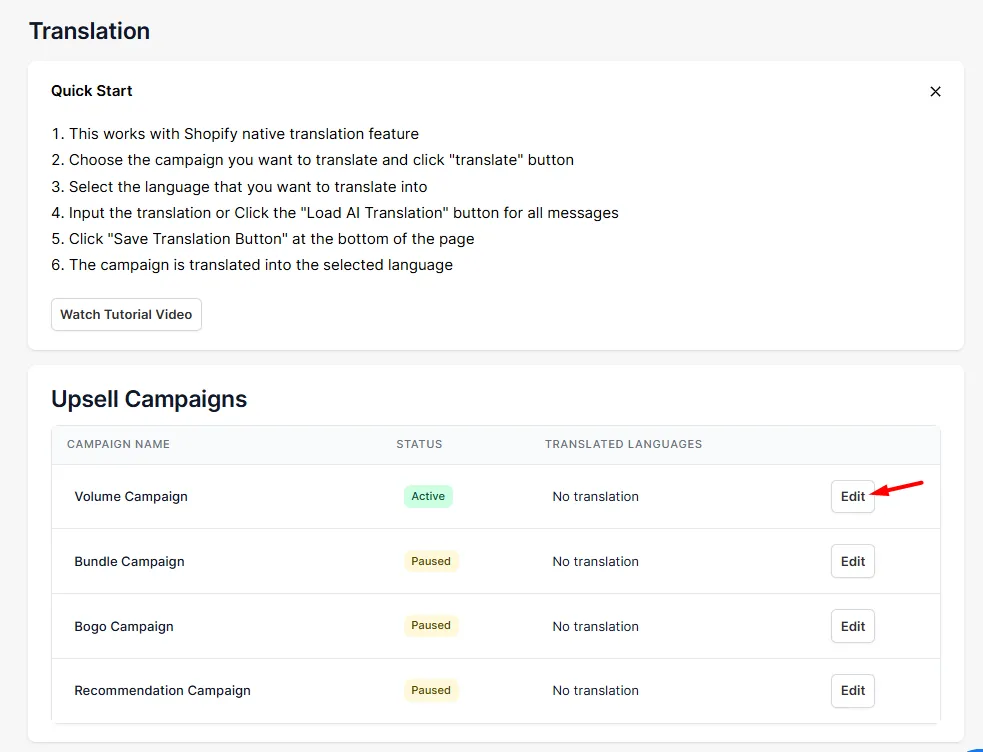
- Inside the Ultimate Sales Boost App, we will go back to the Translation tab. On this page, we can find our Campaigns. Let’s translate the first one. We’ll start by clicking Edit.
- Select the target language you wish to translate your campaign into. You can either:
Click** Load Al Translation** to auto-translate each element, or
Manually type your translation into the provided text boxes.
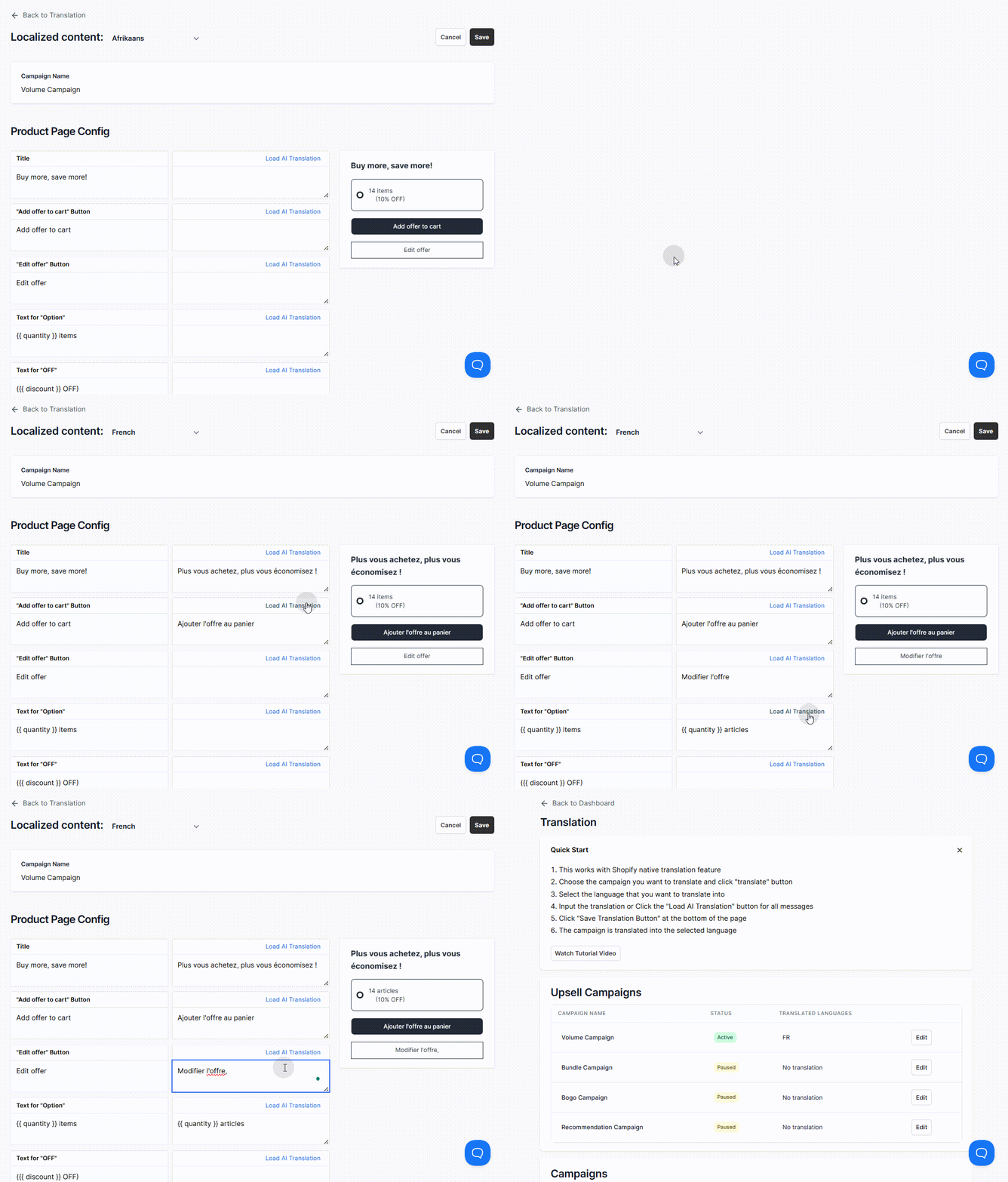
- Don’t forget to click **Save **when you’re done translating!
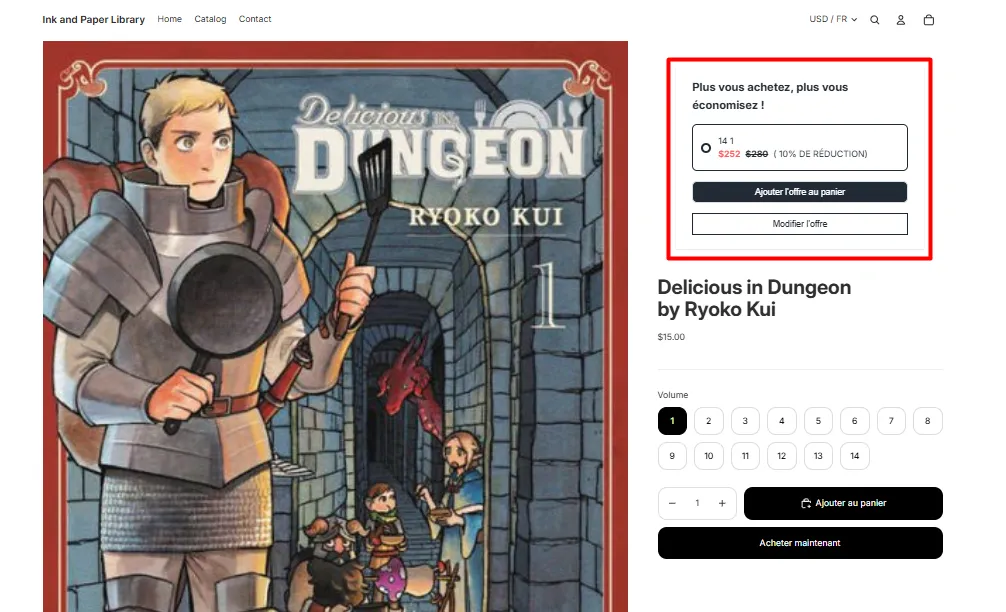
If you have any questions or concerns, please contact us at help@hextom.com
Was this article helpful?
Your feedback helps us improve our docs.
Thanks for the feedback!