
Setup & Features
How to Configure the Recommendation Upsell Campaign
The **Recommendation Upsell **widget in the app allows you to display “frequently bought together” or “you may also like” suggestions directly on your product pages. This is a powerful tool to increase average order value by helping customers discover related or complementary items.
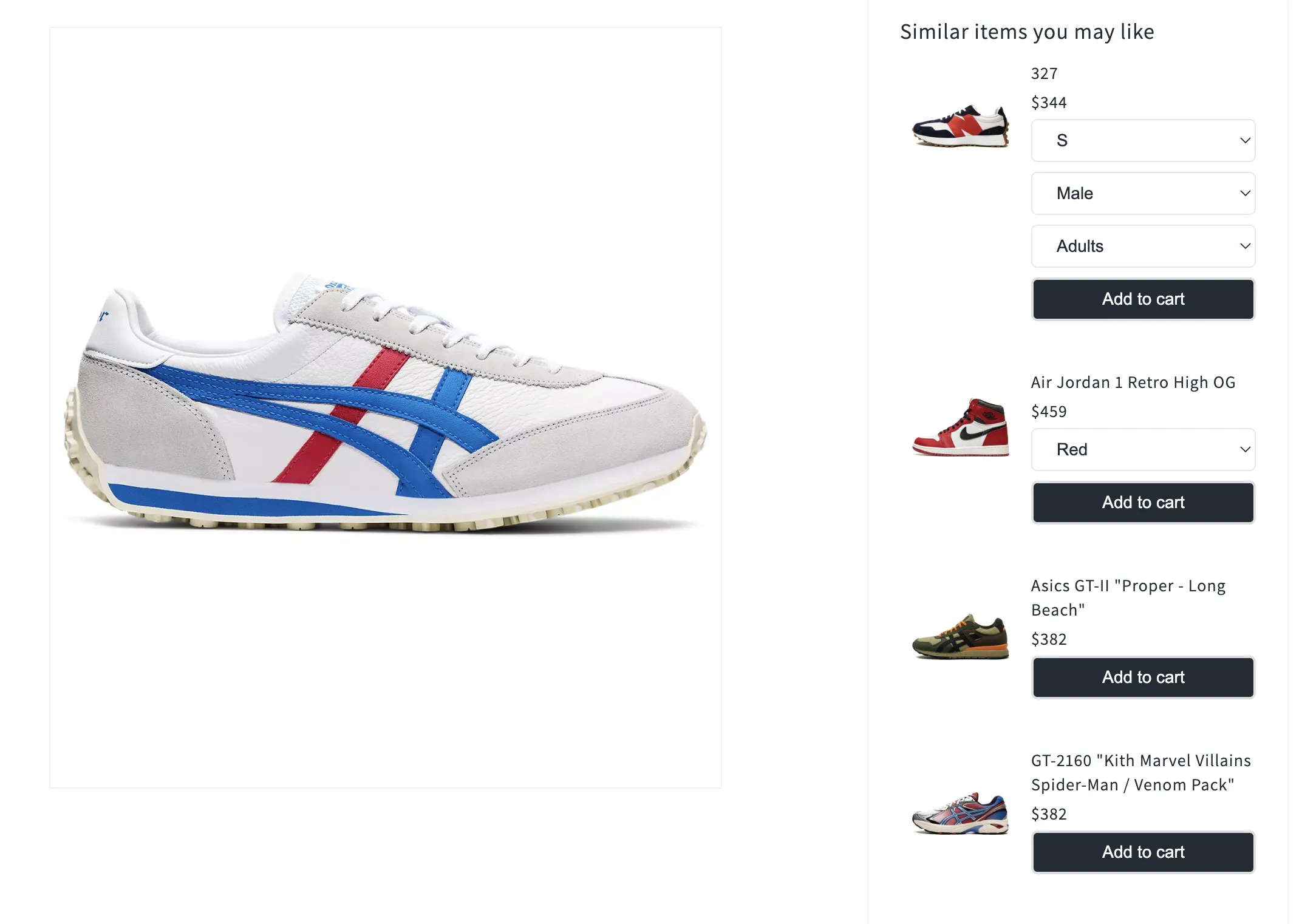
Follow the step-by-step guide below to configure the campaign.
How to Add a Recommendation Upsell Campaign
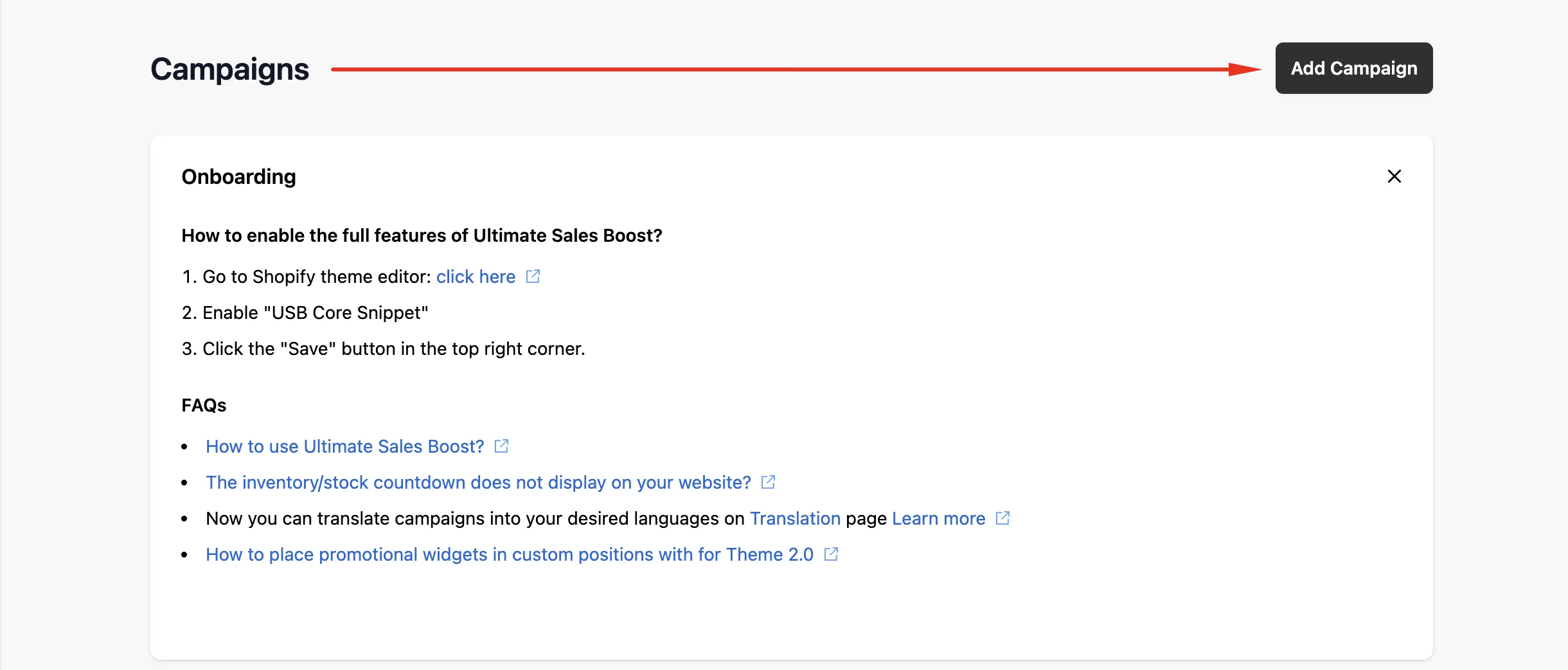
- To add a new Recommendation Upsell campaign, click on Add Campaign on the dashboard.
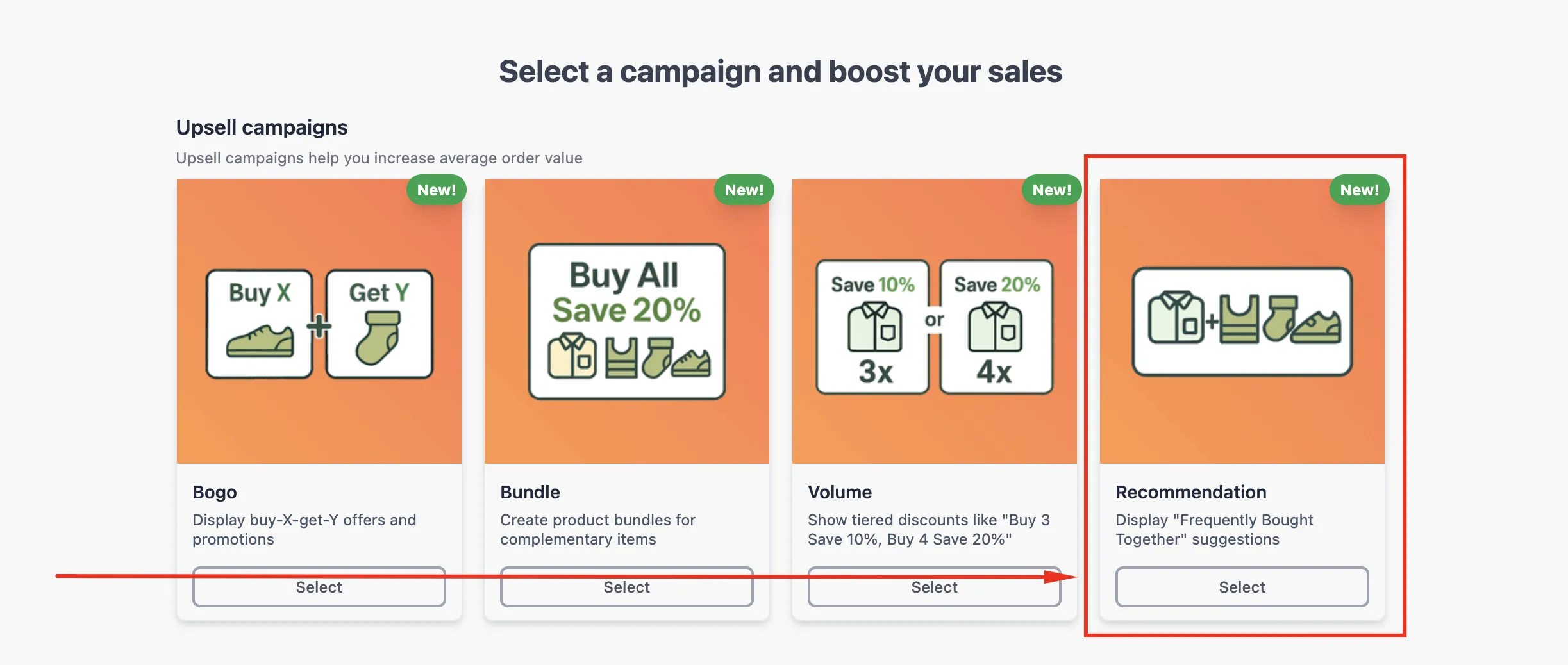
- Choose Recommendation as your campaign type.
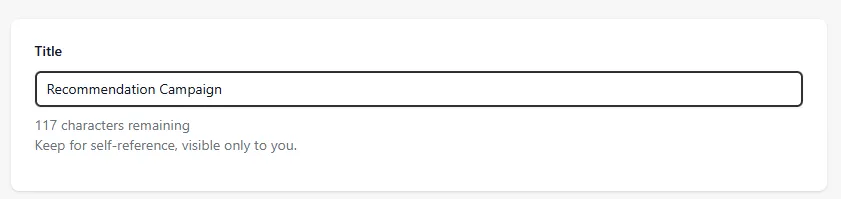
- Enter a campaign title. This is only visible to you and will help you identify the campaign in your dashboard.
- Under **Recommended Products Type **dropdown box, select from:
- **Complementary: **Suggests matching items that go well with the current product (e.g., accessories or add-ons).
- **Related: **Displays similar or alternative items the customer might prefer.

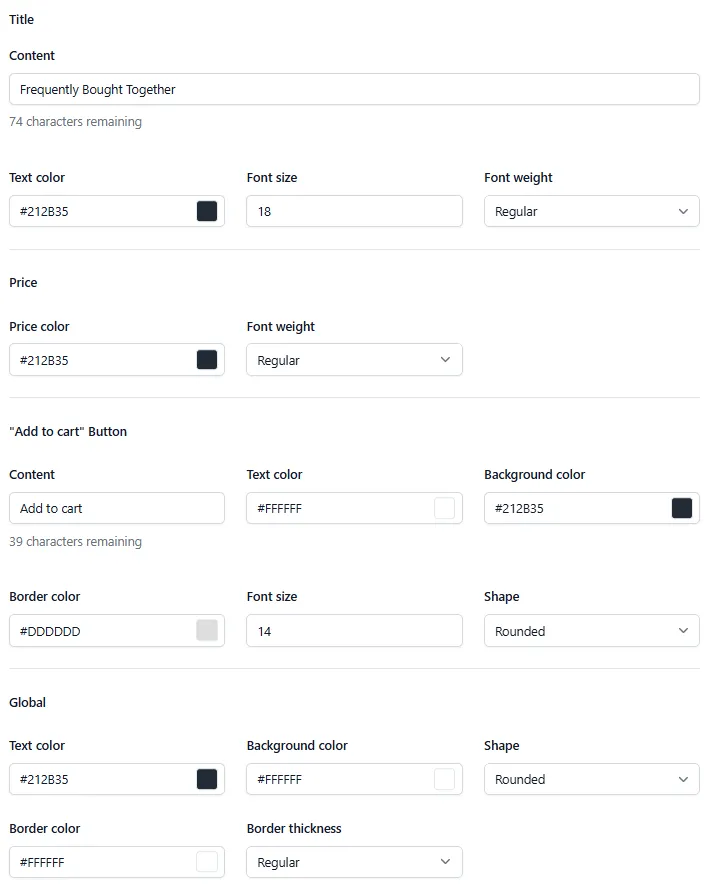
- Choose between Basic Configs and Full Configs to design your widget:
- Basic Configs allows you to edit the following:
- Title content and text color
- Price color
- “Add to Cart” button content
- Global text color
- Full Configs includes all **Basic Configs **options plus the following:
- Title font size and weight
- Price font weight
- “Add to Cart” button text color, background color, border color, font size, and shape (rounded or square)
- Global background color, shape, border color, and border thickness (regular, thick, thin)
- Set your targeting options (optional):
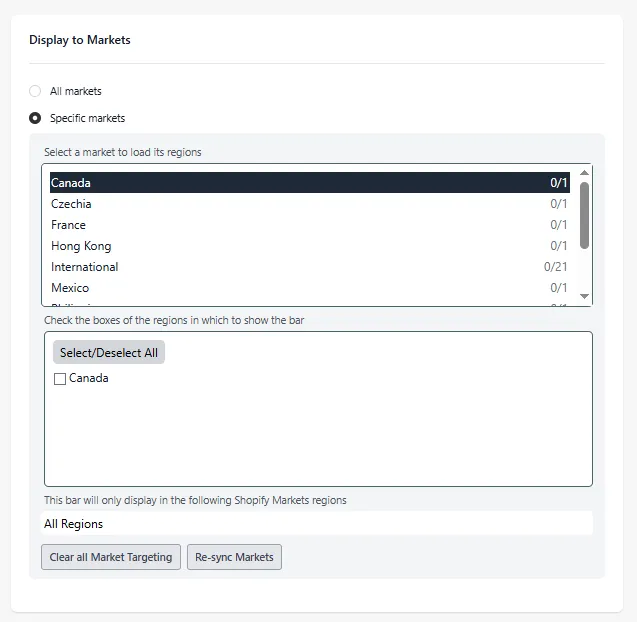
- **Display to Markets: **Choose between **all markets **or specific markets
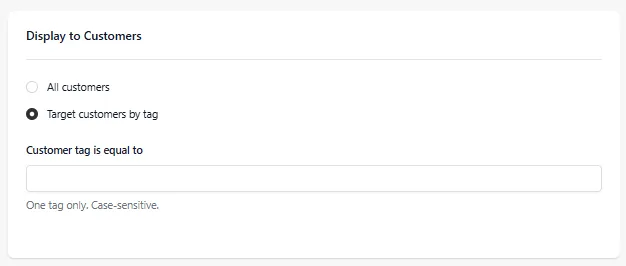
- **Display to Customers: **Show to **all customers **or target customers by tag
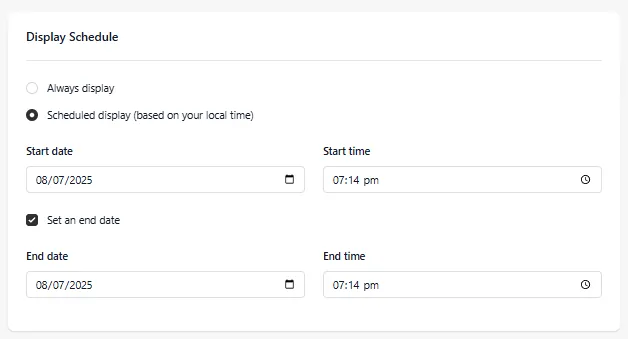
- **Display Schedule: **You can set it to **always display **or schedule the display and set a start date & time, with an option to set an end date & time (based on your local timezone)
If you have any further questions or concerns about this campaign, please feel free to reach out to us at help@hextom.com, and we’ll be happy to help!
Was this article helpful?
Your feedback helps us improve our docs.
Thanks for the feedback!